Safeshot Mobile App
Take the power of Safeshot's secure, offline image editing studio anywhere. Protect your privacy and process photos locally on the go.
Looking for a secure way to protect your personal photos and edit them without compromising your privacy?
Welcome to SafeShot, the ultimate all-in-one private photo vault and advanced photo editor designed to keep your personal memories completely secure. SafeShot combines military-grade local encryption with high-precision creative editing utilities. Lock down your sensitive images, compress files to save storage, remove backgrounds with AI, and apply gorgeous filters—all behind a secure passcode lock.
🔒 Military-Grade Privacy & Encryption
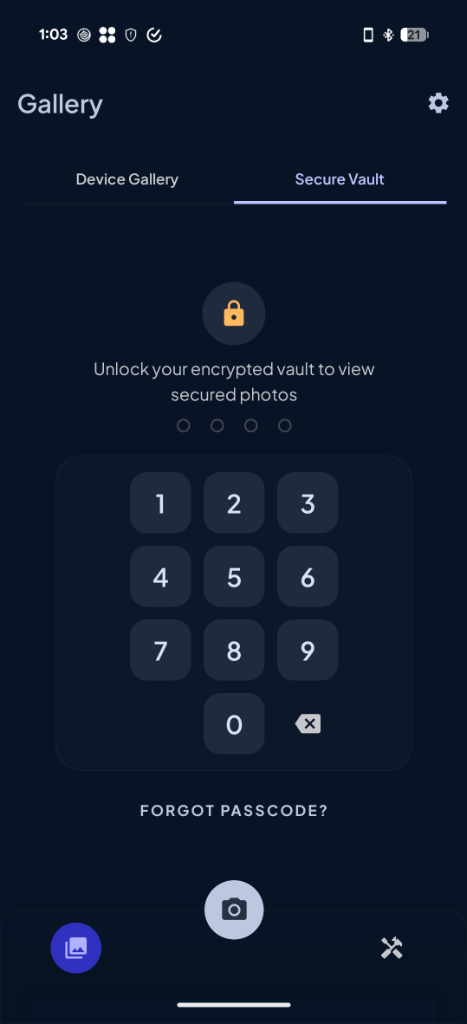
Unlike other vault apps, SafeShot prioritizes your security. All files are encrypted locally on your device using AES-256 with keys derived securely from your personal passcode PIN.
-
Zero Cloud Risks Your photos never leave your device. No servers, no leaks.
-
Auto-Lock Security The vault automatically locks if you leave or background the app for more than 60 seconds.
-
Secure Camera Capture Take photos directly within SafeShot. Captured images bypass the system gallery and cloud backups, saving directly into your encrypted vault.
✂️ High-Precision Photo Editing Tools
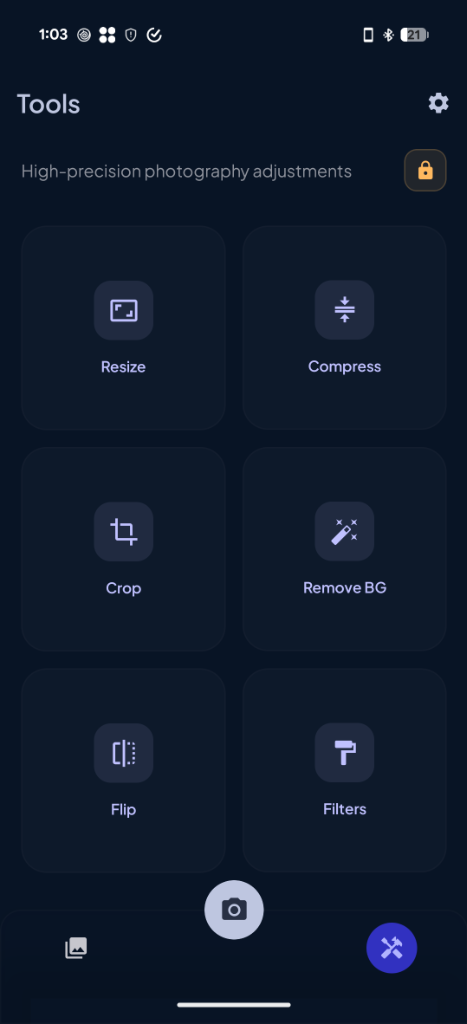
No need to download multiple apps. SafeShot includes professional-grade image tuning tools:
-
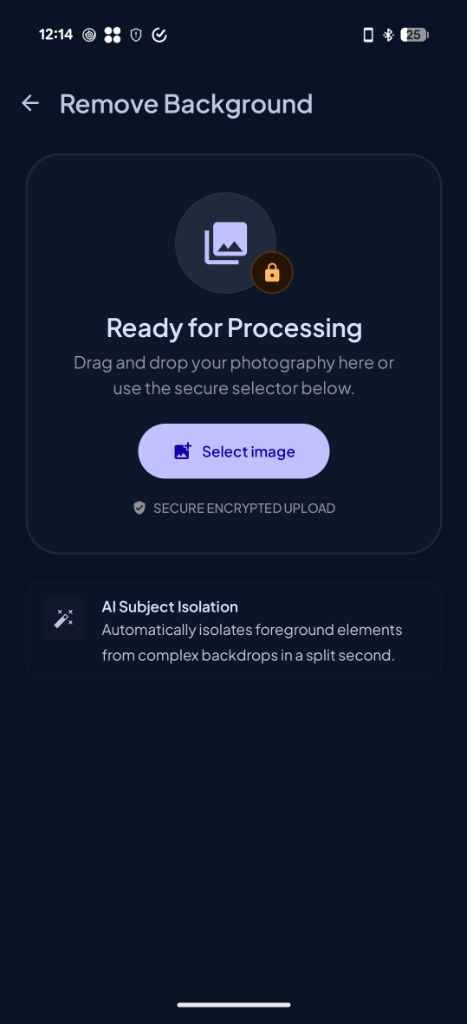
AI Background Remover Extract objects and erase backgrounds cleanly in one tap using smart ML technology.
-
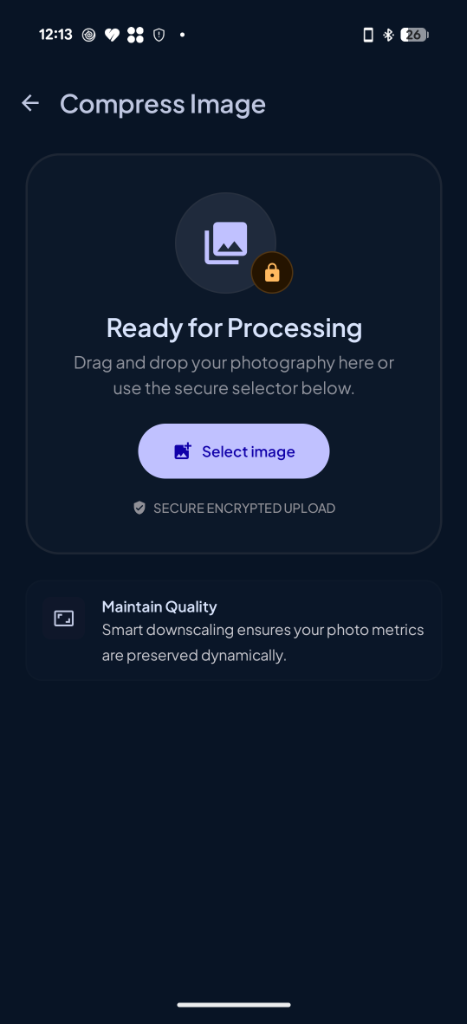
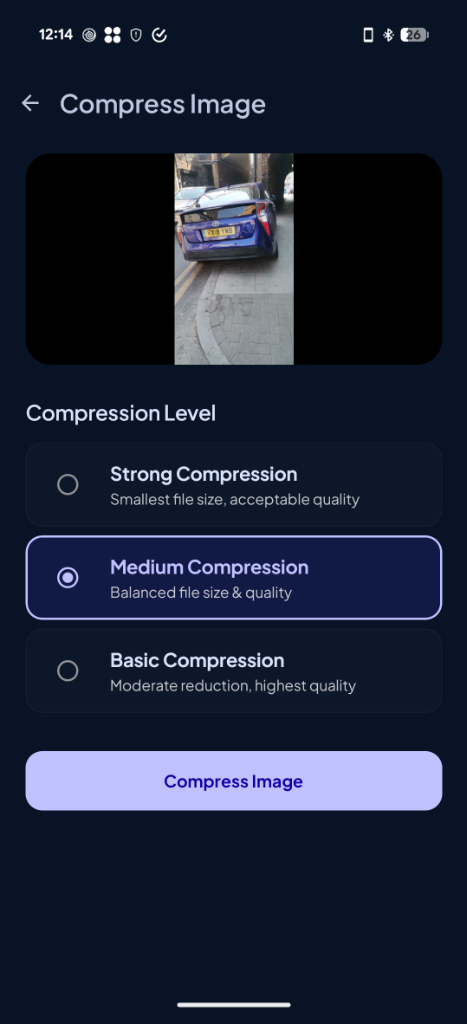
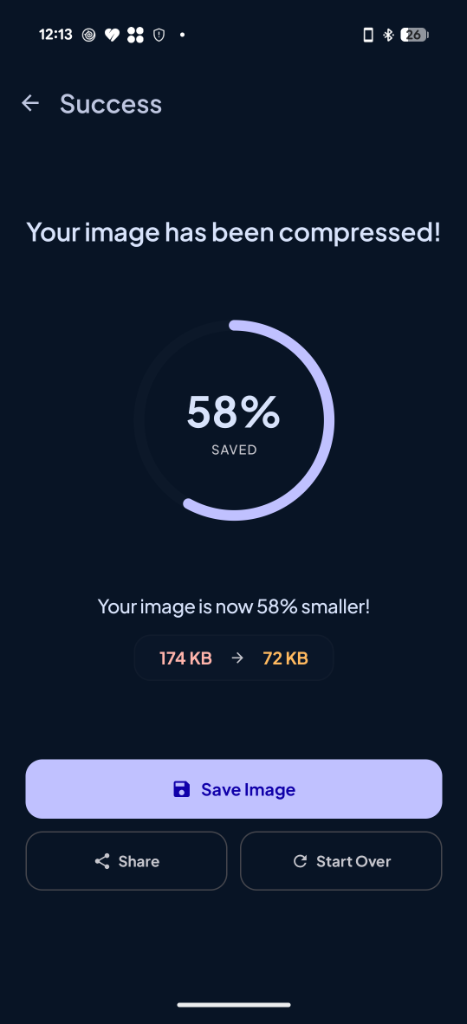
Smart Image Compressor Reduce image file sizes (MB to KB) with an adjustable quality slider without losing visual clarity.
-
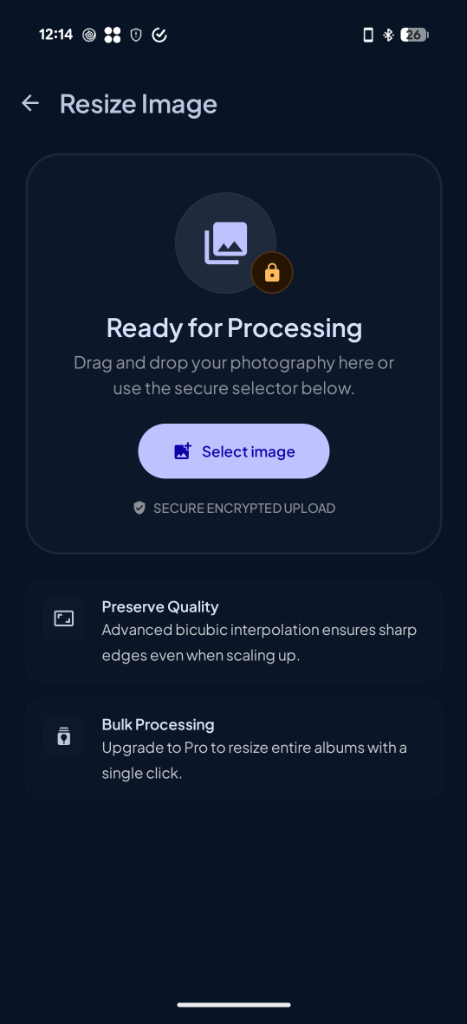
Easy Photo Resizer Resize images by entering exact pixel dimensions or scaling percentages.
-
Precision Crop & Flip Crop photos to standard ratios (Square, 4:3, 16:9) or mirror/flip images horizontally and vertically with instant UI previews.
-
Creative Photo Filters Enhance your pictures with stylized presets including Vintage, Noir, Grayscale, Sepia, Warm, Cool, and Vibrant.
🌟 Why Choose SafeShot?
-
Minimalist & Clean UI Elegant dark-mode layout matching modern bento aesthetics.
-
No Redundant Permissions SafeShot only requests permissions it absolutely needs, with a direct system settings shortcut in app settings.
-
Completely Private No tracking, no data collection. Just private security.
⚠️ Important Note
SafeShot uses strong client-side encryption. Because your files are strictly locked on-device using your passcode, forgotten passcodes cannot be recovered. If you choose to reset your passcode, all local vault files will be wiped for your own security.
Encrypt and protect your images directly on your mobile device.
App Screenshots
Get a preview of SafeShot's secure interface and advanced processing panels.
← Swipe or scroll horizontally to see more screens →